

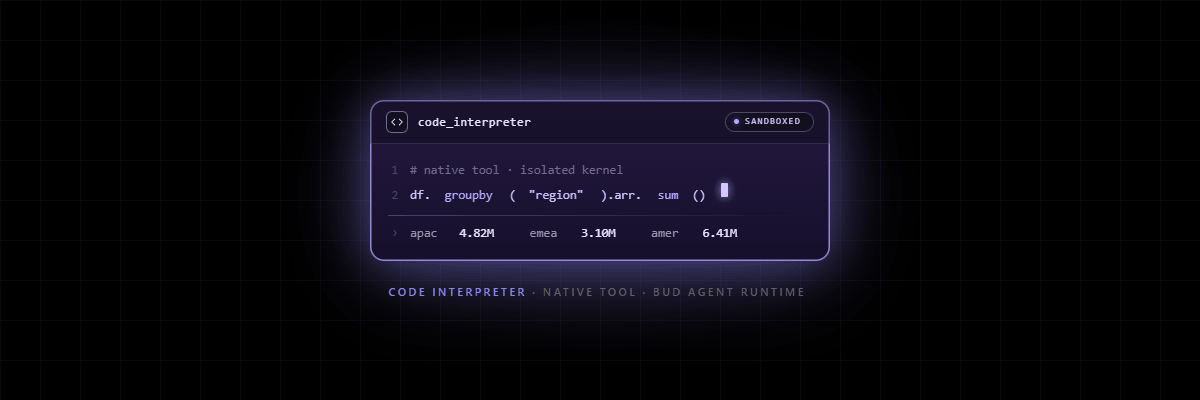
Every serious agent eventually needs to do something computational — parse a file, reconcile a ledger, transform a dataset, run a model, generate a chart, validate a calculation. The moment an agent moves from “talk” to “act,” the question stops being “can the model write Python?” and becomes “where does that Python run, who can see it, and what can it touch?”
Bud Code Interpreter answers that question at the platform level. It gives each agent a real, isolated Jupyter + bash environment for Python and JavaScript, provisioned on demand and torn down on a policy you control. Underneath, code runs inside Firecracker microVMs — the same hardware-level isolation primitive AWS uses for Lambda — so model-generated code never shares a kernel with your host, never reaches your platform’s filesystem, and only touches the network if you explicitly allow it.
Learn about 👉 Bud Agent Runtime
Bud Code Interpreter is a native tool inside the Bud AI Foundry control plane, sitting alongside the Model Hub, Deployments, Guardrails, Evaluations, Observability, and RBAC. That means it inherits the platform’s governance, audit, identity, and deployment model by default. It is also model-agnostic: it works with any model deployed in the Foundry, not a single provider’s hosted models.
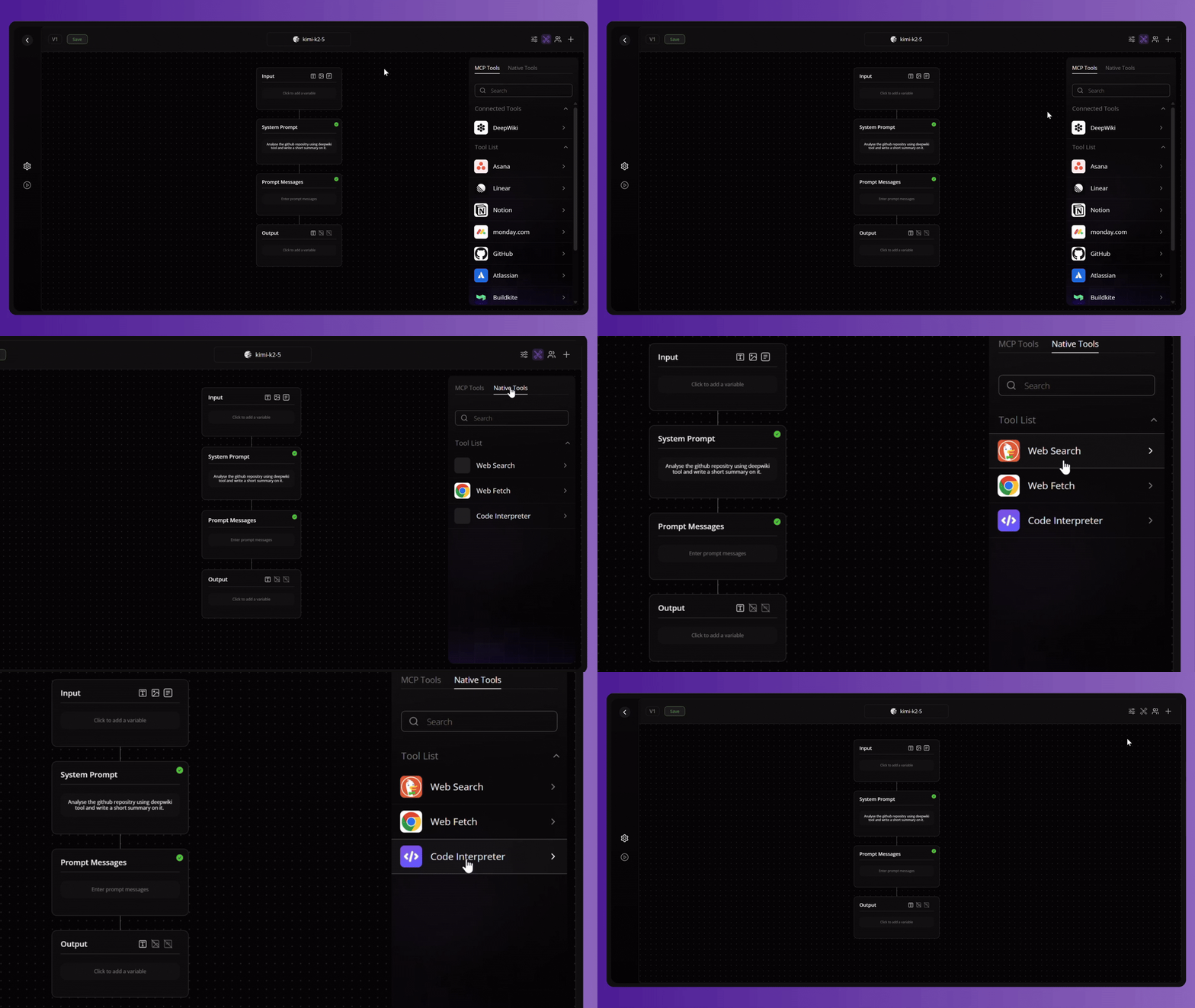
The result: enterprises get OpenAI-class code-interpreter capability without OpenAI-class lock-in — no forced model vendor, no forced cloud, no untraceable execution, and no separate sandboxing stack to buy, secure, and operate.
Code Interpreter At a Glance
Bud Code Interpreter gives an agent a real execution environment for Python, JavaScript, and bash. The mechanics, from the platform’s own design:
- Per-prompt-version ownership. Each prompt/agent version that enables the tool owns its own sandbox. Isolation is the default unit of work, not an afterthought.
- Lazy provisioning. A sandbox is created on the first tool call and reused for every subsequent call within its idle window — variables, installed packages, and uploaded files persist for the life of the sandbox.
- Configurable everything. CPU, memory, network egress, and idle expiry are all controls on the prompt version.
- Firecracker microVMs via E2B (or self-hosted equivalent). Boots in seconds, keeps the host kernel out of reach of model-generated code.
- Audited by default. Every code-interpreter call is recorded in the platform’s observability pipeline, tied to the model invocation that produced it.
Design Considerations
These design principles ensure that the code interpreter is not just a developer convenience, but an enterprise-grade execution layer for agentic systems. By combining sovereignty, portability, and deep platform integration, Bud enables secure and flexible code execution across any environment. The result is a controlled, auditable, and production-ready foundation for running model-generated code at scale.
Sovereign by design, not by exception
Most managed code interpreters are hosted-only. Bud’s runs on managed infrastructure or a self-hosted equivalent on infrastructure you control — your Kubernetes cluster, your sovereign region, your air-gapped enclave. For regulated, public-sector, and data-residency-bound enterprises, this is the difference between “we can pilot it” and “we can deploy it in production.” Execution of model-generated code — often over sensitive data — never has to leave your trust boundary.
Model-agnostic, so it never anchors you to a vendor
OpenAI’s Code Interpreter only runs alongside OpenAI’s models. Bud’s tool attaches to any model deployed in the Foundry. You can swap the underlying model — open-weight, frontier, fine-tuned, on-prem — without re-platforming your agent’s execution layer. Code execution stops being a reason you can’t leave a model vendor.
Native to the platform, not bolted onto it
Because it lives inside Bud AI Foundry, the sandbox inherits the platform’s identity, RBAC, project scoping, deployment lifecycle, and unified observability. There is no second control plane to secure, no separate billing relationship, no glue code between your agent framework and your sandbox provider. One platform, one audit trail, one governance model.
Defense-grade isolation as the default posture
Firecracker microVMs give each sandbox its own kernel — hardware-level isolation, not container syscall filtering that a kernel zero-day can escape. On top of that, the network is off by default: a fresh sandbox cannot reach anything until you deliberately open egress. The secure choice is the path of least resistance, which is exactly what enterprise security teams want.
Governable and fully auditable
Every execution is captured in the observability pipeline next to the model call that triggered it. Security, compliance, and platform teams get a complete, queryable record of what code an agent ran, when, and in what environment — without instrumenting anything themselves. This is what turns “agents that run code” from a security review blocker into an approvable architecture.
Cost and capacity under operator control
Resource tiers, idle timeouts, and a “never expire” auto-pause/auto-resume mode let operators trade cold-start latency against idle cost deliberately, and size capacity to steady-state active sessions. You pick the smallest tier that fits; larger sandboxes provision identically but draw more from your pool. The economics are yours to tune, not a fixed per-session toll set by a vendor.
Technology USPs
The differentiated, defensible technical claims — useful for technical buyers, solution architects, and security reviewers.
Firecracker microVM isolation
Sandboxes are Firecracker microVMs (via E2B or a self-hosted equivalent). Each gets a dedicated guest kernel and network namespace, so a guest-kernel vulnerability cannot escape to the host. This is materially stronger than shared-kernel container isolation, and it boots in seconds rather than the tens of seconds a full VM takes.
Per-prompt-version sandbox boundary
Isolation is scoped to the prompt/agent version. Two versions, two end-users, or two threads never share an execution environment by accident — blast radius is contained to a single unit of work by construction.
Stateful sessions with lazy lifecycle
Sandboxes provision on first use and stay warm across turns. Load a dataset once, then ask follow-up questions against it across multiple model turns — no re-uploading, no re-importing, no re-installing. This is where a real interpreter beats a one-shot function call: the model writes and runs many cells over a conversation against persistent state.
Three languages, one kernel
Python and JavaScript ship in every sandbox and share a Jupyter kernel, with a full bash shell alongside. Agents can do data science in Python, manipulate JSON/JS-native payloads in JavaScript, and orchestrate multi-step workflows in shell — without switching tools. (Many competing code interpreters are Python-only.)
Config-driven resource tiers — no infrastructure wrangling
Eight built-in templates span a cpu ∈ {2, 4} × ram_gb ∈ {2, 4, 8, 16} grid, from a 2 vCPU / 2 GB sandbox for quick lookups up to 4 vCPU / 16 GB for heavier in-memory work. Sizing is a field on the prompt version, not a Dockerfile, a Helm chart, or a node-pool decision.
Custom templates via SDK, built on a hardened base
When the built-in tiers lack a library, you build a custom template through the BudAIFoundry SDK. It inherits the platform’s hardened base image (Jupyter + uvicorn + the MCP shim) and appends your own RUN/ENV/WORKDIR instructions. Templates are project-scoped (visible only inside the project that built them) and built asynchronously through a Dapr workflow that surfaces pending → building → ready (or failed with an inspectable error). Image-breaking directives (FROM, CMD, ENTRYPOINT, COPY, ADD) are rejected by design, so the security-critical base image and its managed services stay intact — you extend the environment without being able to compromise it.
Three-mode network policy with allow/deny precedence
Egress is disabled by default. Switch to open for full egress, or filtered to apply allow_out/deny_out lists over IPs, CIDR ranges, exact domains, or wildcard domains (*.example.com). The ALL_TRAFFIC sentinel lets you build either a deny-all baseline you selectively open, or a permissive baseline you selectively narrow — with allow rules taking precedence over deny rules. This is policy expressive enough for a security team to actually sign off on.
Unified observability and audit
Every call is recorded in the same observability pipeline as the rest of the platform’s inference traffic, linked to its originating model invocation. No separate logging integration, no blind spots between “the model decided to run code” and “here is the code it ran.”
Ephemeral-by-default data flow
Files uploaded into a sandbox live only until the sandbox is destroyed; there is no persistent storage beyond its lifetime. Anything important is streamed back through the tool’s results. The default is “leave no trace,” which is the right default for sensitive data.
Features
| Capability | What you get |
|---|---|
| Languages | Python + JavaScript (shared Jupyter kernel) + bash shell, in every sandbox |
| Isolation | Firecracker microVM per prompt version; dedicated guest kernel |
| Provisioning | Lazy on first call; reused while within idle window |
| State | Variables, installed packages, and uploaded files persist for sandbox lifetime |
| Compute tiers | 2 or 4 vCPU × 2 / 4 / 8 / 16 GB RAM (8 built-in templates) |
| Custom environments | SDK-built, project-scoped custom templates on a hardened base image |
| Idle policy | Configurable expiry (min 300s) or “Never expire” with auto-pause / auto-resume |
| Network | disabled (default) / open / filtered with allow + deny lists and wildcards |
| Security boundary | No host filesystem access, no persistent storage, network enforced at sandbox edge |
| Audit | Every call logged in the platform observability pipeline, tied to the model call |
| Deployment | Managed (E2B) or self-hosted equivalent — on-prem, sovereign region, air-gapped |
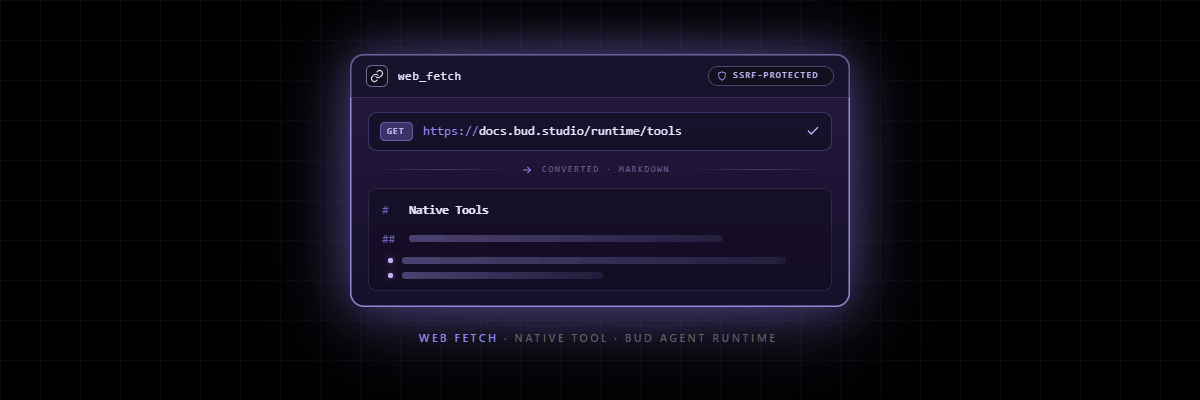
| Integration | Native tool on prompt/agent versions; MCP shim; pairs with Web Fetch and other native tools |
Use Cases
- Conversational data analysis. Load a dataset once, then run an entire investigation across follow-up turns — filters, joins, aggregations, statistical tests — against persistent in-memory state.
- File parsing & transformation. Ingest CSV/Excel/JSON/PDF-extracted content, clean it, reshape it, and stream results back, all inside an environment that can’t touch your platform.
- Ad-hoc calculation & validation. Let the agent verify its own arithmetic, financial math, unit conversions, or business-rule logic by running code rather than hallucinating an answer.
- Chart & artifact generation. Produce visualizations and computed artifacts on demand inside the sandbox, returned through tool results.
- Multi-step agentic workflows. Use the bash shell to chain CLI tools, manage files, and orchestrate pipelines across turns — the interpreter as an agent’s “hands.”
- Code reasoning loops. When generated code fails, the agent iterates — re-running until it succeeds — instead of returning a broken one-shot answer.
Competitive Positioning
Comparison reflects publicly available information on competing offerings as of mid-2026. Positioning is intended to be fair and defensible in front of technical buyers — overclaiming costs credibility in enterprise sales.
| Dimension | Bud Code Interpreter | OpenAI Code Interpreter (Responses API) | Azure Container Apps Dynamic Sessions | Raw E2B / self-host runtime | LangChain-style Python REPL |
|---|---|---|---|---|---|
| Isolation | Firecracker microVM (dedicated kernel) | Hosted container sandbox | Hyper-V sandbox | Firecracker microVM | None — runs on host (can delete files, open connections) |
| Languages | Python + JavaScript + bash | Python only | Python, Node, Shell | Python / JS (config-dependent) | Python |
| Model lock-in | Model-agnostic (any Foundry model) | OpenAI models only | Model-agnostic (you wire it) | Model-agnostic (you wire it) | Model-agnostic (you wire it) |
| Deployment | Managed or self-hosted / on-prem / air-gapped | Hosted only | Azure cloud only | Self-host or managed (you operate it) | Wherever your app runs |
| Network control | Off by default; disabled / open / filtered + allow/deny | Limited | Egress + optional controls | You build it | Open by default |
| Custom environments | SDK-built, project-scoped, on hardened base | Limited preinstalled set | Custom container session pools | Full DIY | Full DIY |
| Governance & audit | Native, unified with platform observability | Platform-dependent | Azure-native | You build it | You build it |
| Part of an integrated AI control plane | Yes — Model Hub, Guardrails, Evals, RBAC, Deployments | Within OpenAI’s ecosystem | Within Azure’s ecosystem | No (it’s a primitive) | No |
| Operational burden on you | Low (platform-managed) | Low | Medium | High (you run the fleet) | Low but unsafe |
| Cost model | Operator-tunable tiers/idle policy on your capacity | ~$0.03 per session (vendor-set) | Resource-based (Azure) | Per-second compute you operate | Negligible $ / high risk |
- Bud Code Interpreter vs OpenAI Code Interpreter: OpenAI’s is excellent if you live entirely in OpenAI’s models and cloud. It is Python-only, model-locked, and hosted-only with a fixed per-session price. Bud’s wins on sovereignty, model freedom, language breadth (JS + bash), and network governance — exactly the axes regulated enterprises care about.
- Bud Code Interpreter vs Azure Container Apps Dynamic Sessions: Azure’s is a strong, secure primitive (Hyper-V, Python/Node/Shell, MCP endpoint) — but it is Azure-bound and it is a building block you still have to assemble into an agent platform yourself. Bud delivers the same security posture already integrated with model serving, guardrails, evals, and audit, and it is not tied to one cloud.
- Bud Code Interpreter vs raw E2B / self-hosted runtimes: This is the most honest comparison, because Bud uses E2B-class Firecracker isolation underneath. The difference is the layer: E2B is the runtime primitive; Bud is the governed control plane that makes it deployable, auditable, model-agnostic, and operable by an enterprise without building and securing the surrounding platform. You can buy the engine and build the car — or you can buy the car.
- Bud Code Interpreter vs LangChain-style Python REPL: A local REPL runs arbitrary model-generated code on the host with no real isolation — fine for a demo, unacceptable for production over real data. Bud is the production-safe answer to the same need.




.png)


