


Every useful AI agent eventually hits the same wall: the model only knows what it knew at training time. Ask it about this morning’s pricing, last week’s release, or a regulation that changed yesterday, and it either guesses or admits it cannot say. Web grounding closes that gap — but how you close it has become a real architectural decision, with consequences for cost, governance, and how tightly you are bound to a single AI vendor.
Learn about 👉 Bud Agent Runtime
Bud Native Web Search is our answer. It is a first-party tool inside the Bud Agent Runtime that lets any agent issue free-text queries against the public web and reason over the results. What makes it different is not the search itself — it is that the entire grounding loop stays inside a platform you control, with none of the metering or lock-in that comes with the alternatives.
How it works
When Web Search is enabled on a prompt version, the agent’s model can decide to call the tool with a query string. The tool runs the search against a DuckDuckGo-backed index and returns a clean, structured list of results that the model can summarise, cite, or follow up on by fetching the full page with the companion Web Fetch tool.
Each result is a small, transparent object with three fields:
- title — the page title as indexed
- href — the destination URL (citation-ready)
- body — a short snippet, typically one to three sentences
The configuration surface is deliberately tiny. There is a single optional field, max_results, which caps how many results come back; left unset, the tool returns the first batch. There are no API keys to manage and no per-project quotas to provision, because the DuckDuckGo backing means there is nothing to set up. Typical responses complete in one to three seconds.
One design choice worth calling out: returned snippets are treated as untrusted input by default. Downstream prompts are not meant to interpret them as instructions, which hardens agents against the classic “a poisoned search result hijacks the model” attack. That posture is built into the tool’s guidance rather than something you have to remember to add.
Why it matters
The same capability lands differently depending on who is evaluating it.
For developers and agent builders
- Ship grounded agents in minutes. A declarative toggle on a prompt version — no SDK wiring, no search-vendor account, no orchestration code to maintain.
- Composable by design. Pair Search with Web Fetch (which returns a full page as markdown) and Code Interpreter to move from discovery to reading to computation without ever leaving the runtime.
- Transparent results. The title, URL, and snippet come straight back to your pipeline, so you decide how to cite, summarise, and follow up. You are never handed an opaque blob.
For platform owners and FinOps
- No metered per-query bill. Unlike the major frontier-vendor search tools, Bud’s tool carries no per-call SaaS meter — a meaningful saving once agents are live and search fan-out becomes unpredictable.
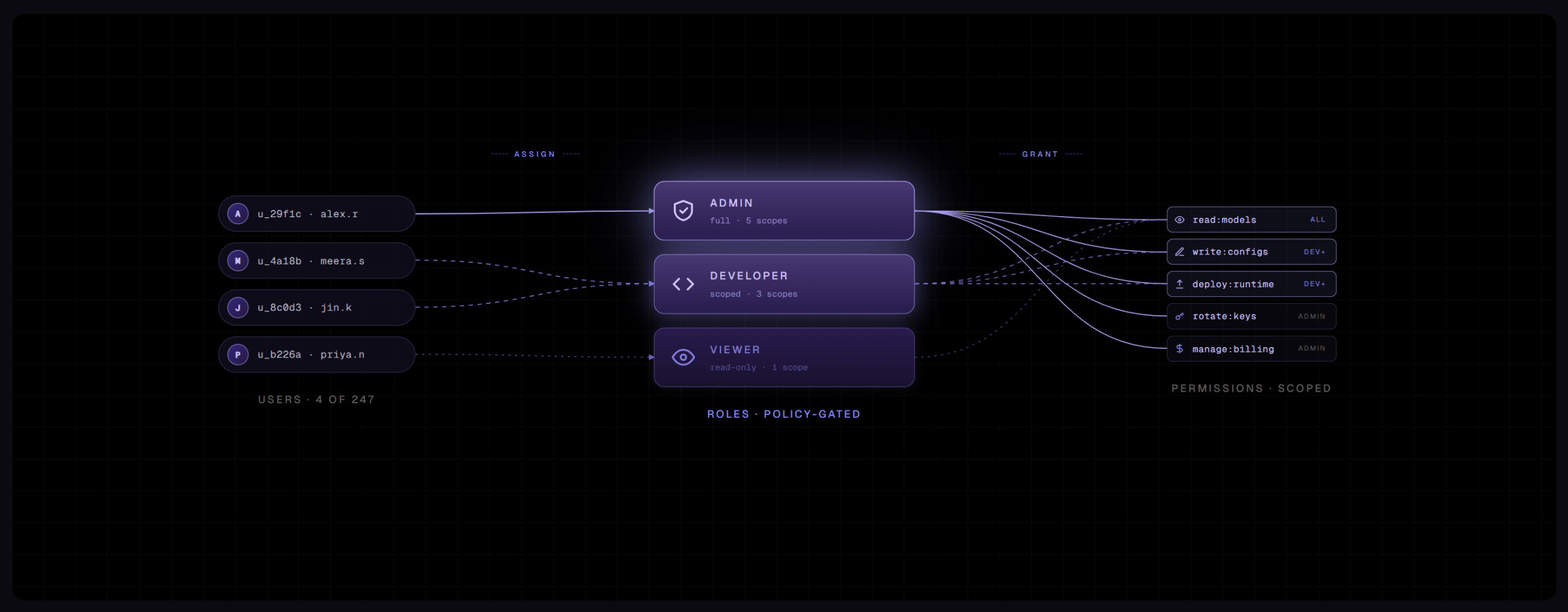
- Unified governance. Search inherits the platform’s role-based access control, version management, dashboards, and observability. One control plane, not a separate search-vendor console to audit.
- No vendor lock-in. Grounding is decoupled from any single model vendor and from any one cloud’s grounding service.
For security and sovereign / regulated teams
- Inside your boundary. Bud is self-hostable and hardware-agnostic, so the whole prompt → search → ground loop runs within a platform you operate, under your identity, logging, and guardrail policy.
- Auditable and policy-bound. Every tool call is observable through the same investigation and rule surfaces as the rest of the stack, and guardrail profiles apply around the tool.
- Injection-aware out of the box. Treating snippets as untrusted is the documented default.
Key capabilities at a glance
| Capability | What it means for you |
| Native-tool model | Enabled declaratively on a prompt version — no credentials, no connector authorization, no quota. Distinct from MCP connectors, which require auth for systems like CRM or email. |
| Zero per-query economics | No metered search fee, so high-fan-out agentic search stays financially predictable. |
| Transparent result contract | Structured title / href / body returned to your pipeline, not encrypted away where only the model can read it. |
| Engine & vendor independence | Search is not chained to one model provider or one cloud’s grounding service; the platform owns the integration point. |
| Sovereign-platform context | The grounding loop runs inside a self-hostable, hardware-agnostic platform with unified RBAC, observability, guardrails, and versioning. |
| Composable native stack | Search → Web Fetch → Code Interpreter are all first-party and governed identically, enabling end-to-end research workflows. |
| Security by default | Snippets handled as untrusted input by design, reducing the prompt-injection surface. |
Where teams use it
Web Search is at its best wherever an agent needs lightweight, current grounding without standing up a full retrieval pipeline.
- Fresh-fact grounding — recent news, current pricing, latest releases, and anything that post-dates the model’s training data.
- Source discovery before deep reading — surface candidate URLs, then hand the best ones to Web Fetch for full-page extraction.
- Lightweight research assistants — answer “what’s the latest on X” questions with citations, with no index to build.
- Competitive and market monitoring — pull current competitor announcements, pricing, and coverage into an internal briefing agent.
It maps cleanly onto enterprise scenarios too: public-sector and citizen-service agents that ground answers in current public guidance while keeping the agent and its logs inside a sovereign deployment; BFSI research desks that surface current market commentary alongside proprietary data; engineering copilots fetching current library docs and release notes; and HR assistants that supplement an internal knowledge base with current public information where appropriate.
How it compares
The market splits into three approaches to agent web grounding: frontier-vendor native tools (OpenAI, Anthropic), do-it-yourself search APIs (Tavily, Brave, Exa, SerpAPI, Firecrawl), and hyperscaler grounding services (Azure Grounding with Bing, Vertex grounding with Google Search). Here is how Bud sits against each.
| Dimension | Bud Native Web Search | Frontier-vendor tools | DIY search APIs | Hyperscaler grounding |
| Setup | Toggle on a prompt version; no key, no connector | API access + tool flag; SaaS account | Provision key, build orchestration | Cloud project + service enablement |
| Per-query cost | None (no metered search fee) | ~$10 / 1,000 calls + tokens | Metered per query, per vendor | Metered per query |
| Result visibility | Transparent title/href/body | Often encrypted / model-only | Full visibility | Provider-formatted |
| Engine lock-in | Engine-independent; platform-owned | Bound to that vendor’s index | Per-vendor index | Bound to Bing / Google |
| Governance | Native RBAC, observability, guardrails, versioning | Vendor console + your app | You build it | Cloud-native IAM / logging |
| Deployment | Self-hostable, hardware-agnostic | Vendor SaaS only | Your infra + vendor API | That cloud only |
Competitor pricing reflects publicly listed rates at the time of writing (OpenAI and Anthropic web search are both around $10 per 1,000 calls plus token costs). Verify against current vendor pricing.
Where it fits in the Bud stack
Web Search is one of three native tools that turn a Bud agent from a static prompt into a tool-using assistant. The intended pattern is a simple loop:
- Discover — Web Search surfaces candidate sources for a query.
- Read — Web Fetch pulls the full page of a chosen URL as markdown.
- Compute — Code Interpreter runs analysis over what was gathered.
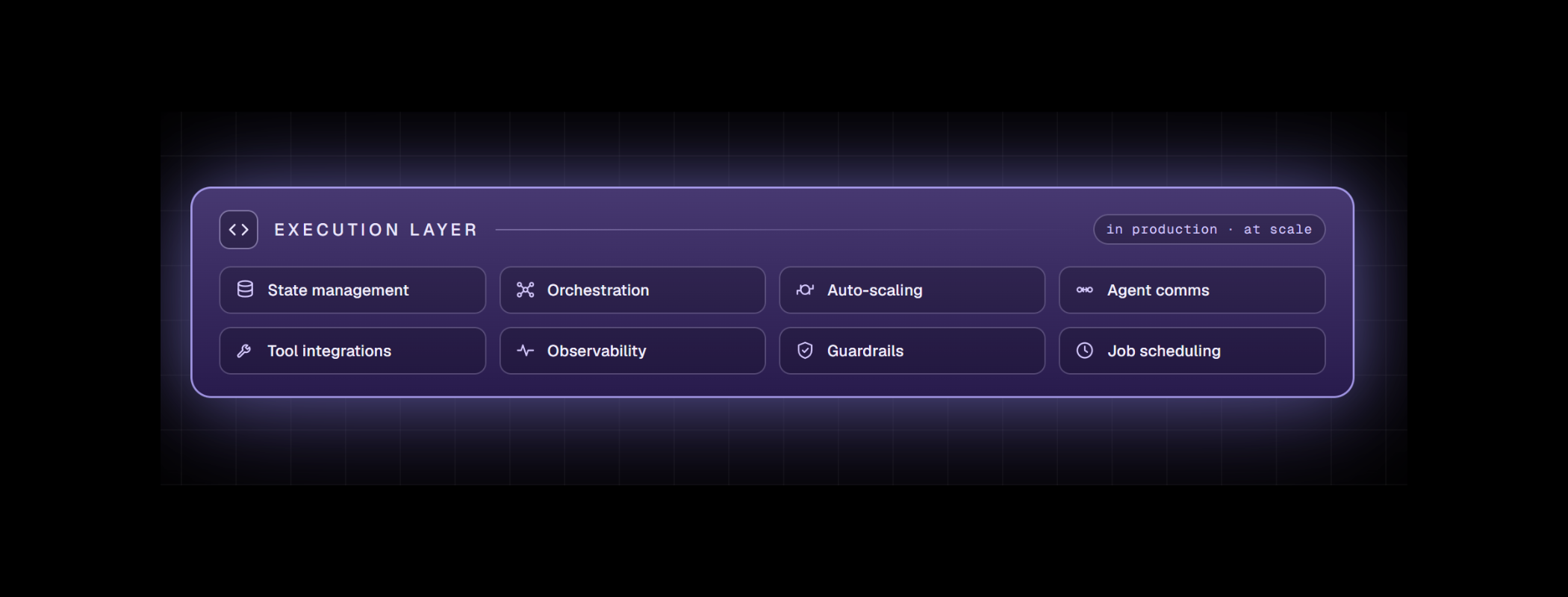
- Govern — guardrails, observability, versioning, and RBAC wrap the whole loop.
All three native tools require no credentials or connector setup, which is the key contrast with MCP connectors — the right choice when an agent must reach an authenticated external system such as a CRM, ticketing tool, or mailbox. Native tools and MCP connectors coexist in the same agent workflow, so teams mix zero-config grounding with credentialed enterprise actions as needed.
When not to use it
Web Search is honest about its edges, and so are we:
- It is not a substitute for vetted internal knowledge. For proprietary or compliance-sensitive content, use a retrieval connector backed by your own index — and pair the two when an agent needs both internal truth and current public context.
- Index depth varies on long-tail queries. Use Search for freshness and discovery, then lean on Web Fetch for authoritative reading.
- It reaches only the public web. Logged-in or paywalled content is out of scope; use a connector for gated sources.
- It needs controlled outbound access. Because the tool reaches the public internet, it is not for fully air-gapped enclaves — reserve it for deployments with governed egress, and rely on internal retrieval where there is none.
The takeaway
Most web-grounding options ask you to accept a trade: pay per query, send your grounding loop to someone else’s cloud, and bind it to a single model vendor. Bud Native Web Search removes that trade. You get the same live-web grounding — transparent, composable, and security-aware — running inside a platform you control, with no metered search fee and no lock-in. For teams building agents that need to know what is happening now, that combination is hard to beat.






.png)


